

JSD — Professional Dash Cams
Discover Our Lineup →


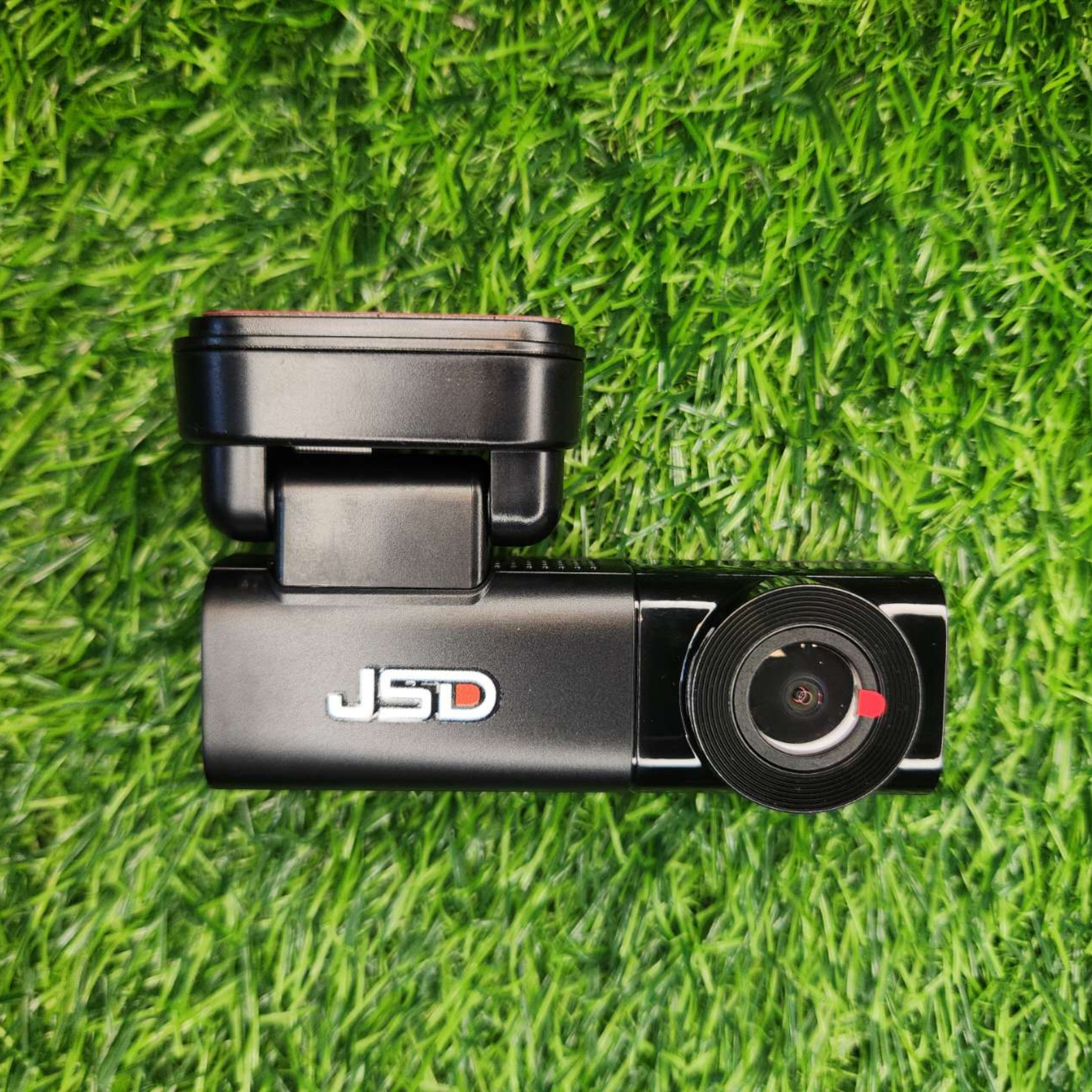

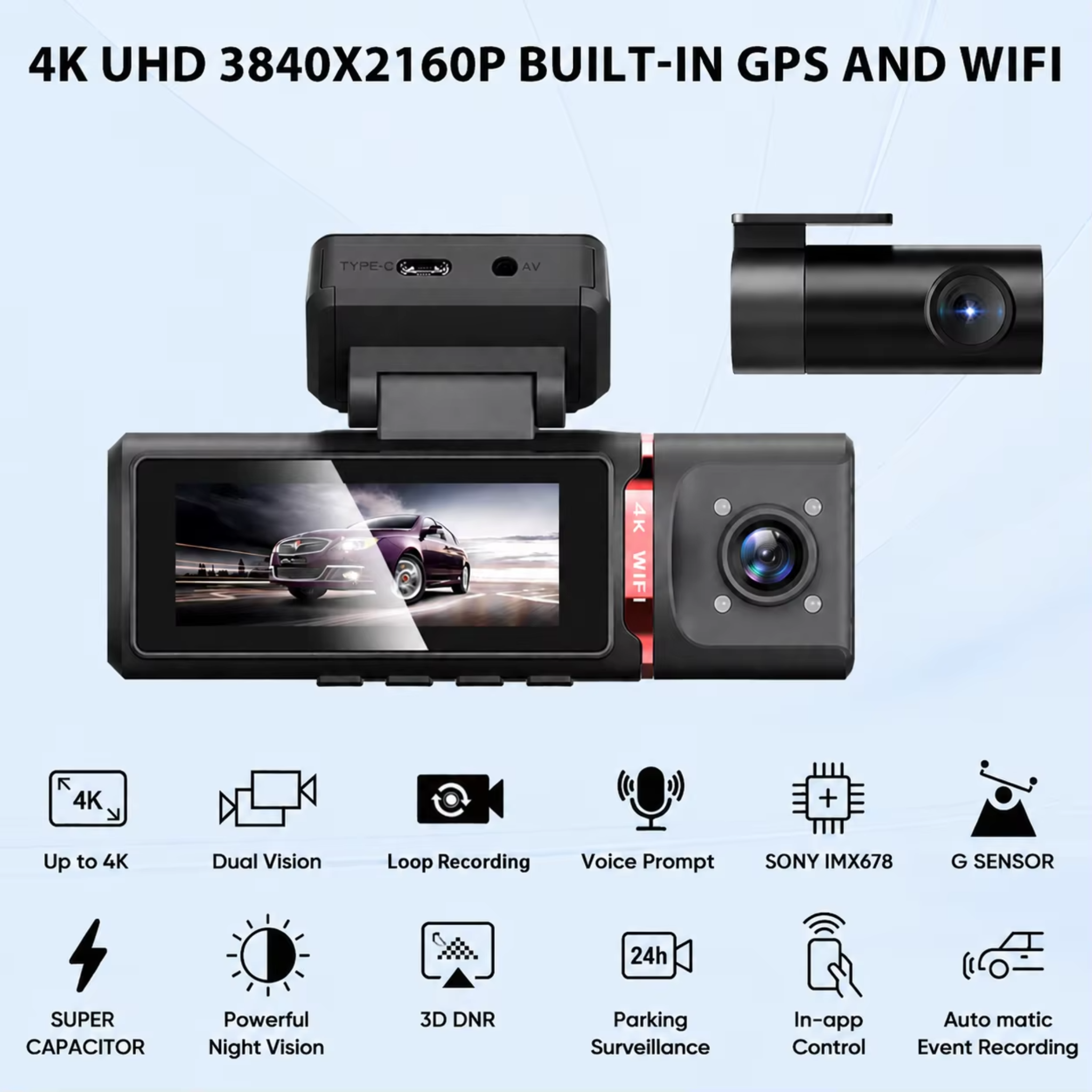

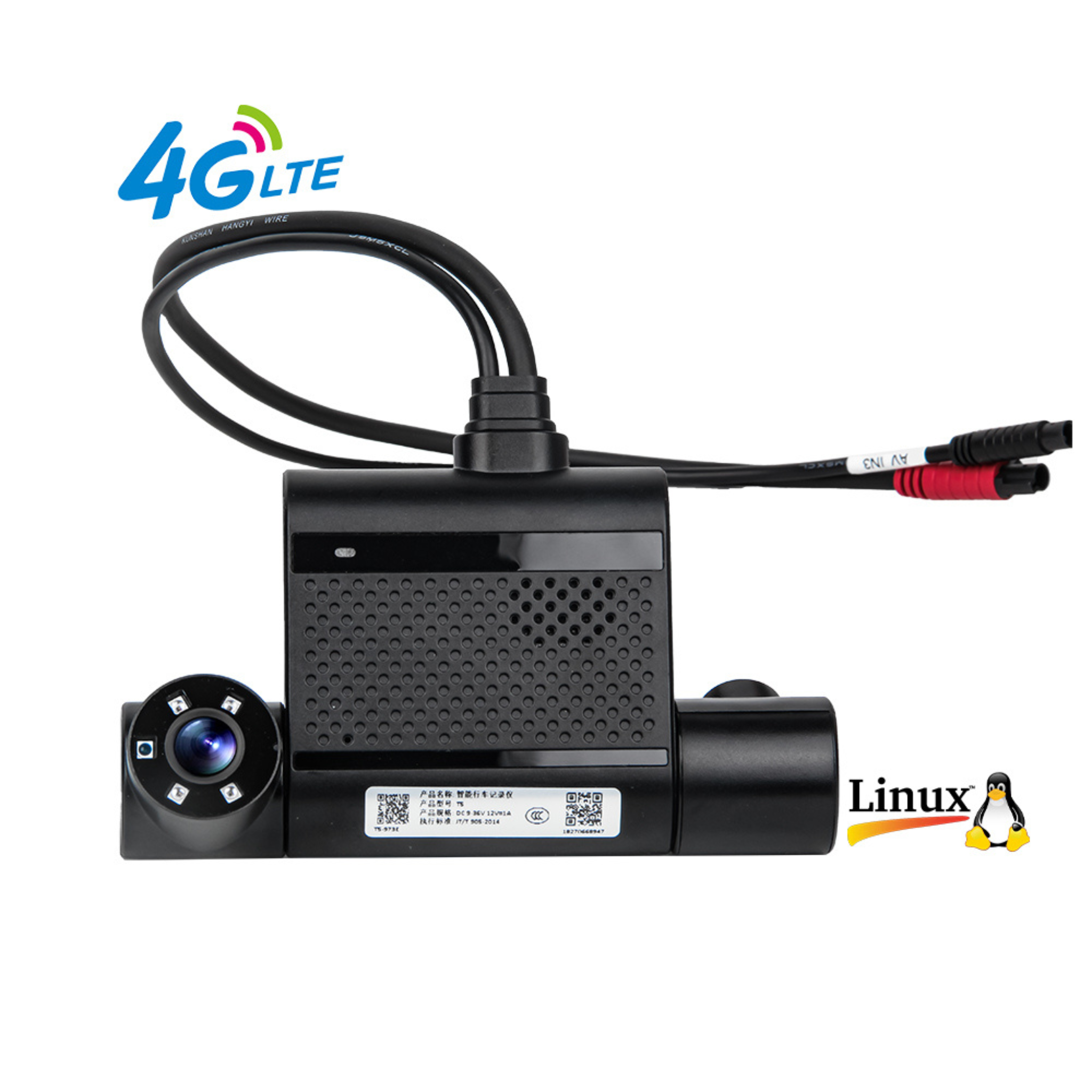


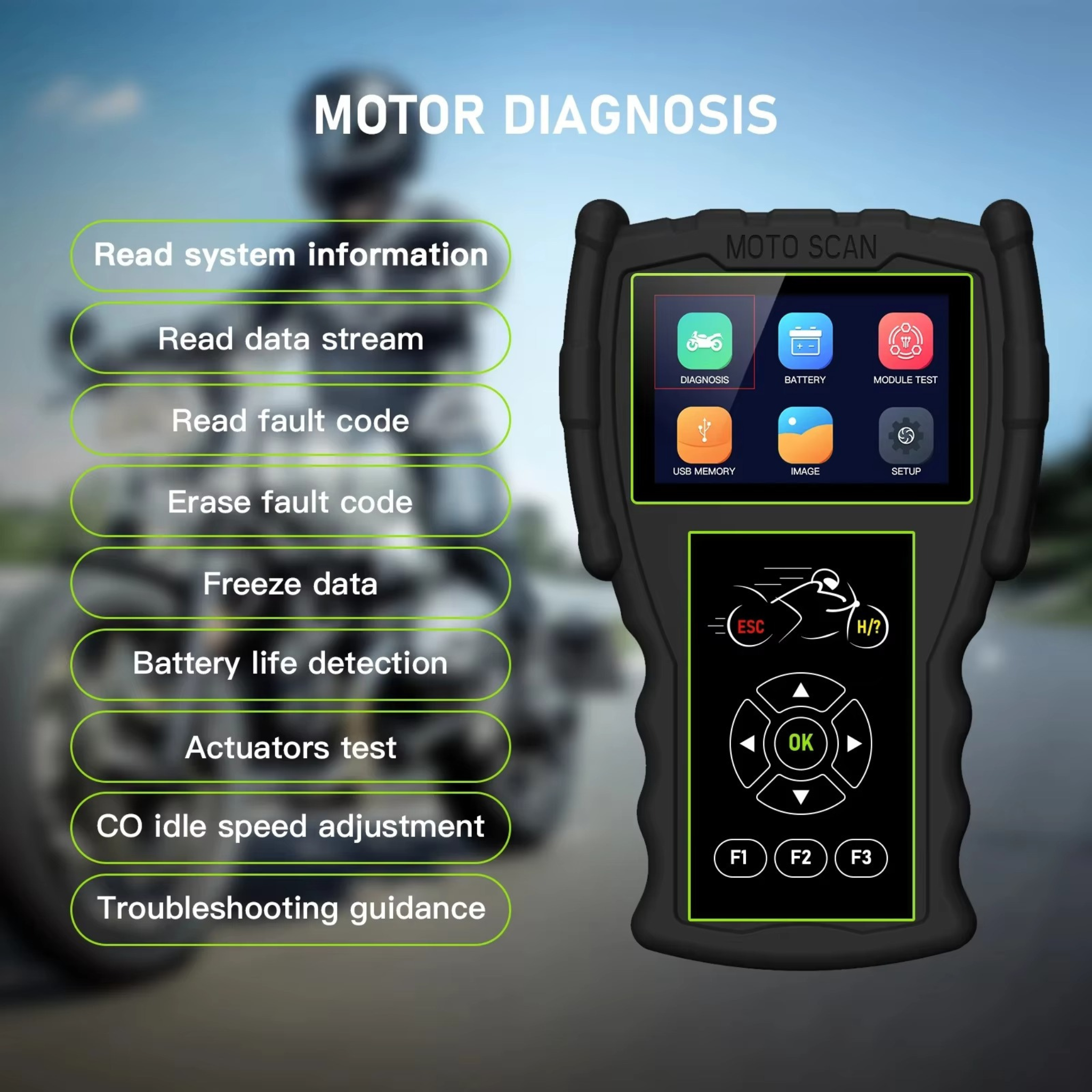
JSD
View All


Choose Your Cam
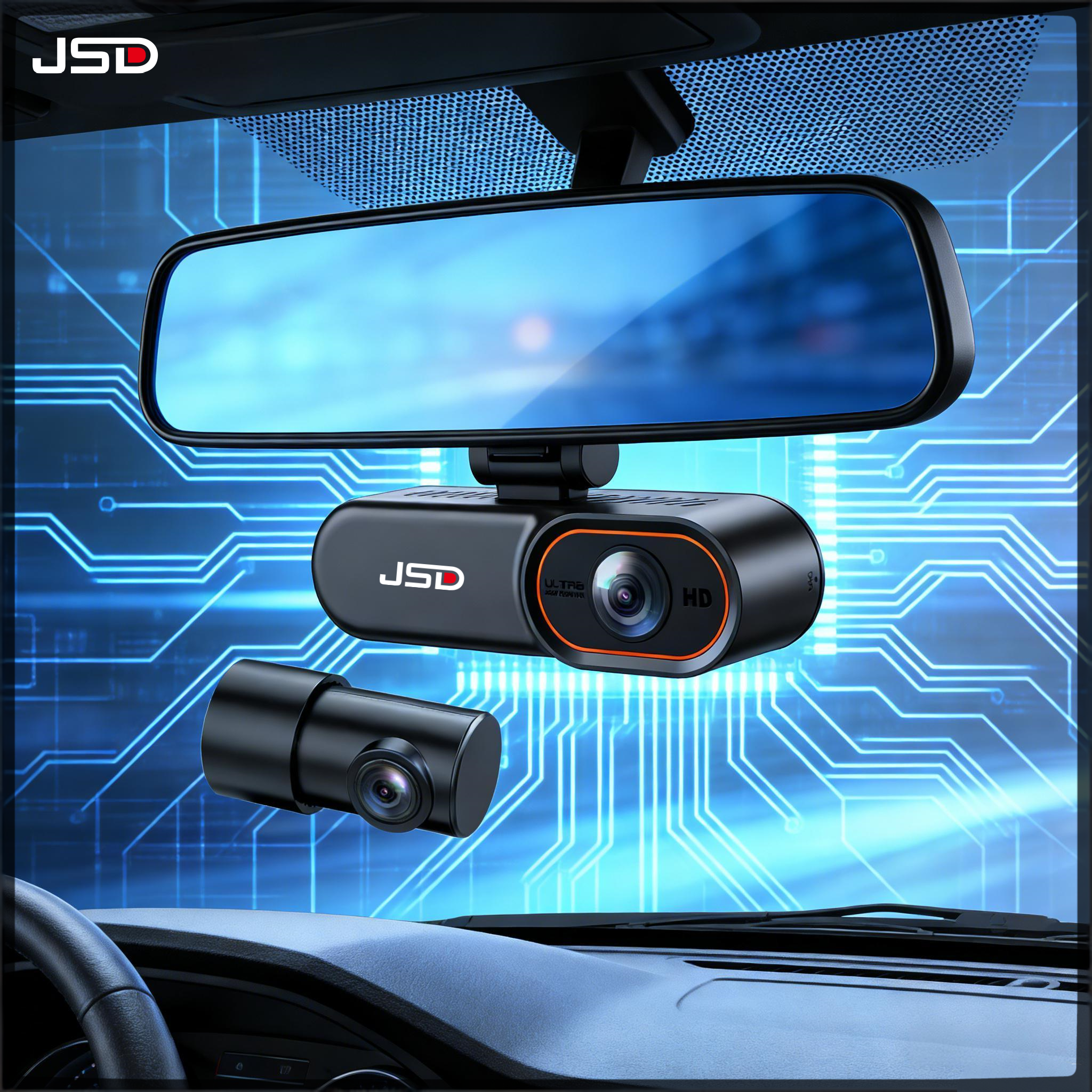
JSD 4G Smart Dashcam – 24/7 Remote Live View | 2K Front + 1080P Rear | GPS Tracking | Cloud Backup | Parking Monitor with Instant Alerts | Supports 256GB
🚗 JSD 4G Smart Dashcam – Your Car’s 24/7 Connected Guardian
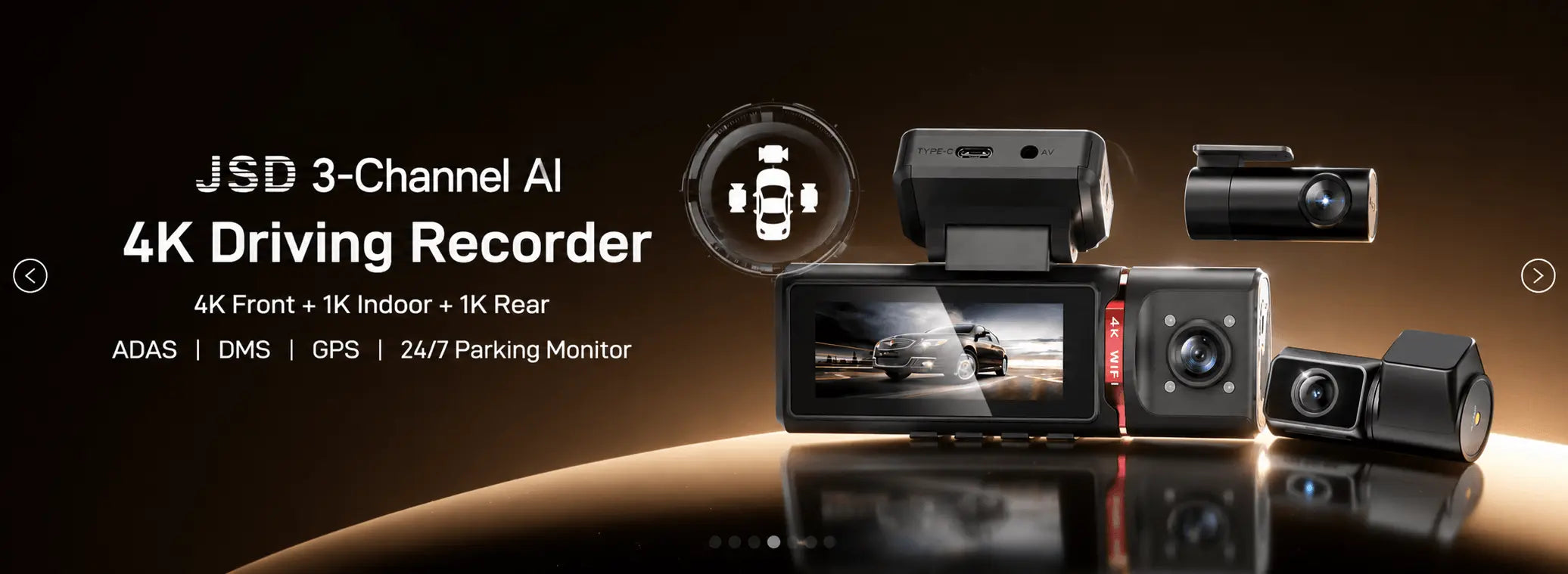
🚀 JSD 3‑Channel AI 4K Driving Recorder – 4K Front + 1K Indoor + 1K Rear | ADAS | DMS | GPS | 24/7 Parking Monitor
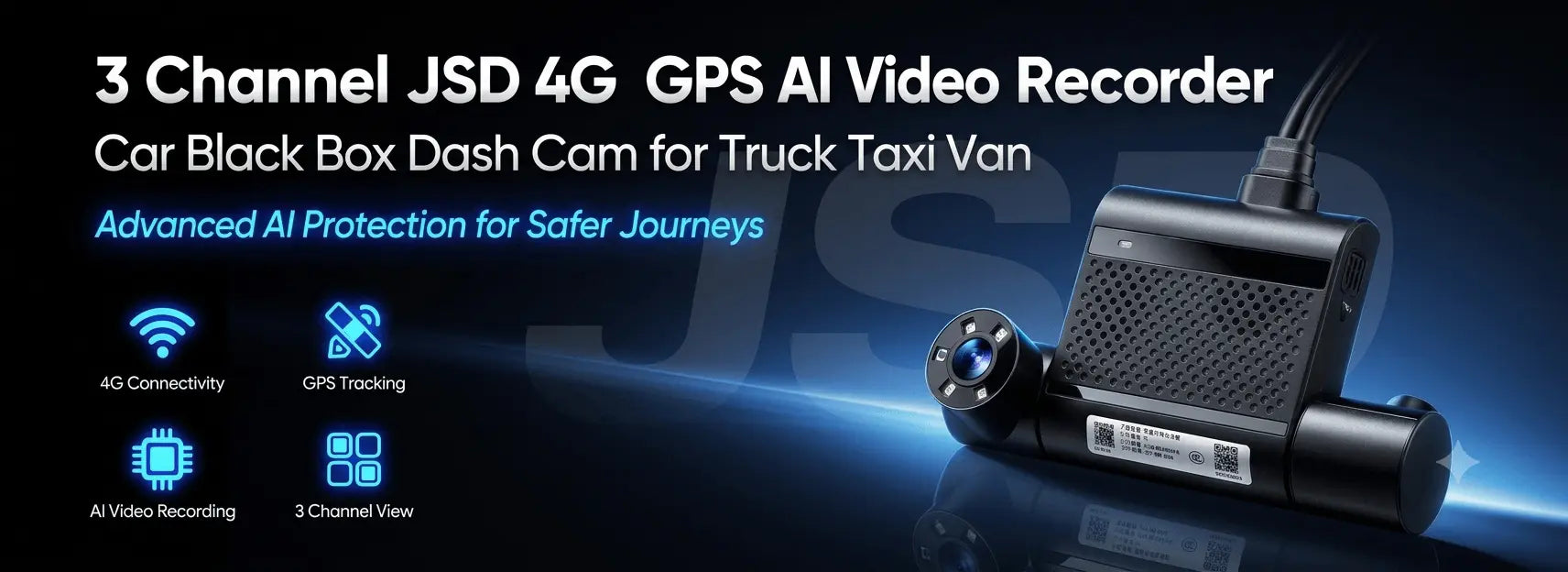
JSD 3‑Channel 4G GPS AI Dashcam – Truck/Taxi/Van | ADAS/DMS | Supercapacitor | Fleet Management | Up to 512GB | 9‑36V Wide Voltage
AK8 Triple Dash Cam | 4K Front + 1080p Interior + 1080p Rear | Built‑in GPS | WiFi | 3.16″ IPS Screen | G‑Sensor | Parking Monitor | 256GB Support
AK10 Triple Dash Cam | 4K Front + 1080p Interior + 1080p Rear | Built‑in GPS | WiFi | 3.16″ IPS Screen | G‑Sensor | Parking Monitor | 256GB Support
JSD 4G Smart Dashcam: 24/7 Remote Live View, Full HD Front Recording, GPS Tracking & Cloud Backup
AD70 Quadruple Dash Cam | 4K Front + 1080p Interior + 1080p Left + 1080p Right | 5.8GHz WiFi | External GPS | 3.0″ IPS Screen | H.264 | 256GB Support
🔧 How to Install JSD 4G Dashcam
Simple 4-step guide – get your smart dashcam up and running in minutes.

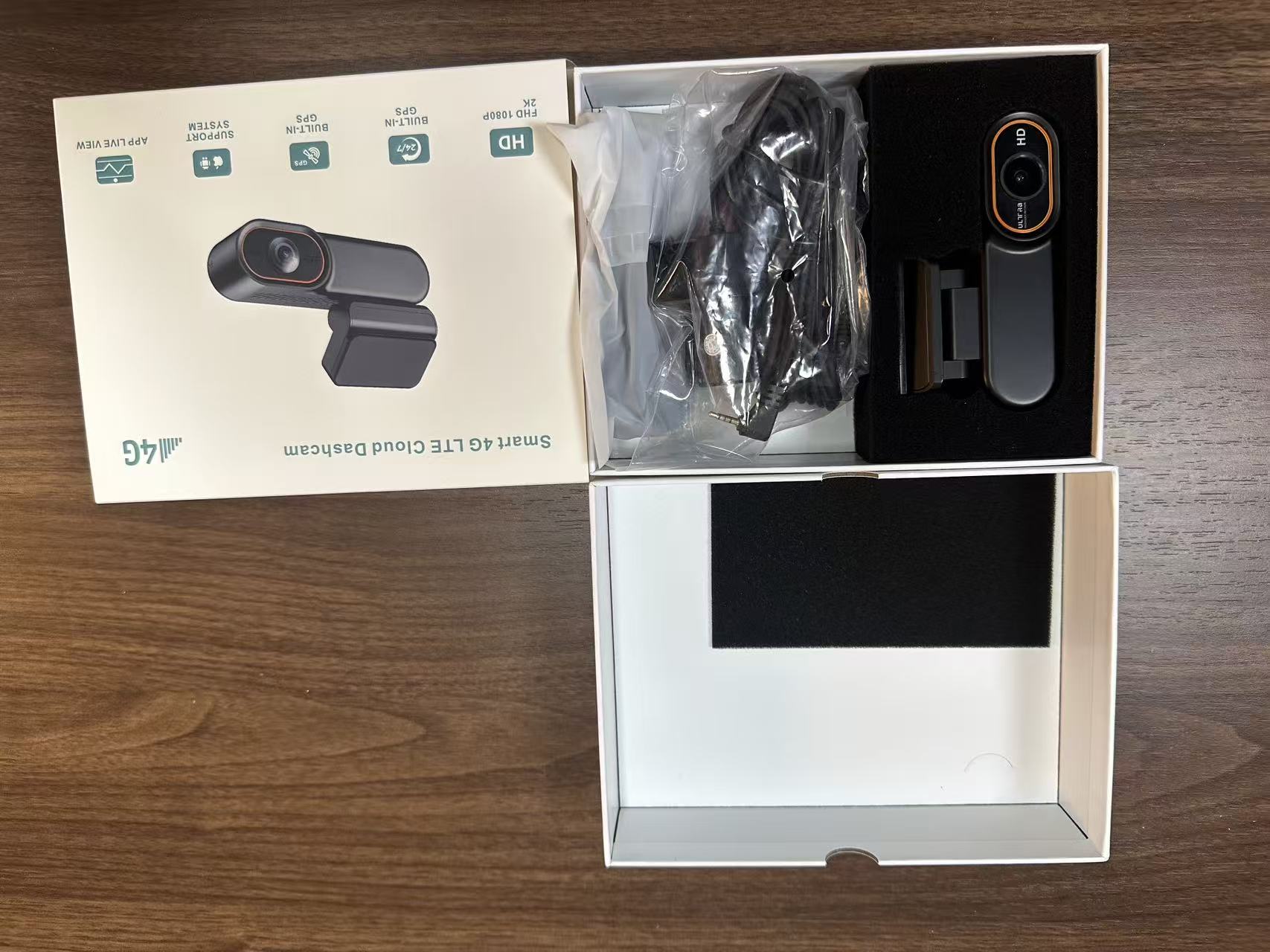
Unbox Everything
Check contents: main unit, rear camera, power cable, mounting kit, and user manual.

Mount Front Camera
Attach main unit to windshield using suction cup or adhesive pad – adjust angle for best view.

Route Cables
Tuck power and rear camera cables along headliner, door pillars – clean hidden installation.

Install Rear & Test
Mount rear camera near license plate, connect all plugs, power on via 12V socket – you're ready!
📝 Latest from Our Blog
Tips, guides, and news to keep your car safe and smart.
⭐ What Our Customers Say
Trusted by hundreds of drivers across Bangladesh
✍️ Share Your Experience
Your feedback helps others make the right choice
📍 Eventure
Your trusted dashcam & car electronics partner
Road 16, House 57, Uttara Sector 14,
Dhaka – 1230, Bangladesh
Bangladesh (WhatsApp only): +880 1886 384 516
China (WhatsApp only): +86 135 4334 7285
WhatsApp only – quick replies within 24 hours
Shop with an expert
Get personalized recommendations for your vehicle.
Video tutorials
Step-by-step installation & user guides.
Downloads
User manuals, firmware updates, and apps.
After-sales services
Warranty support, repairs, and replacements.